Previous site
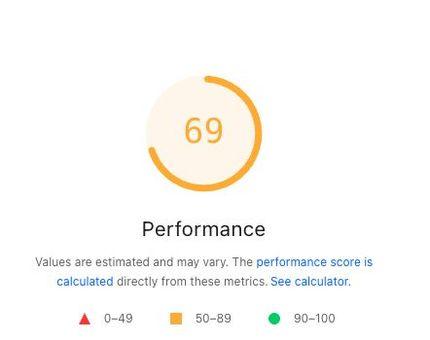
69
Mobile Performance
November 12, 2026, 10:57:10 AM
Case Study
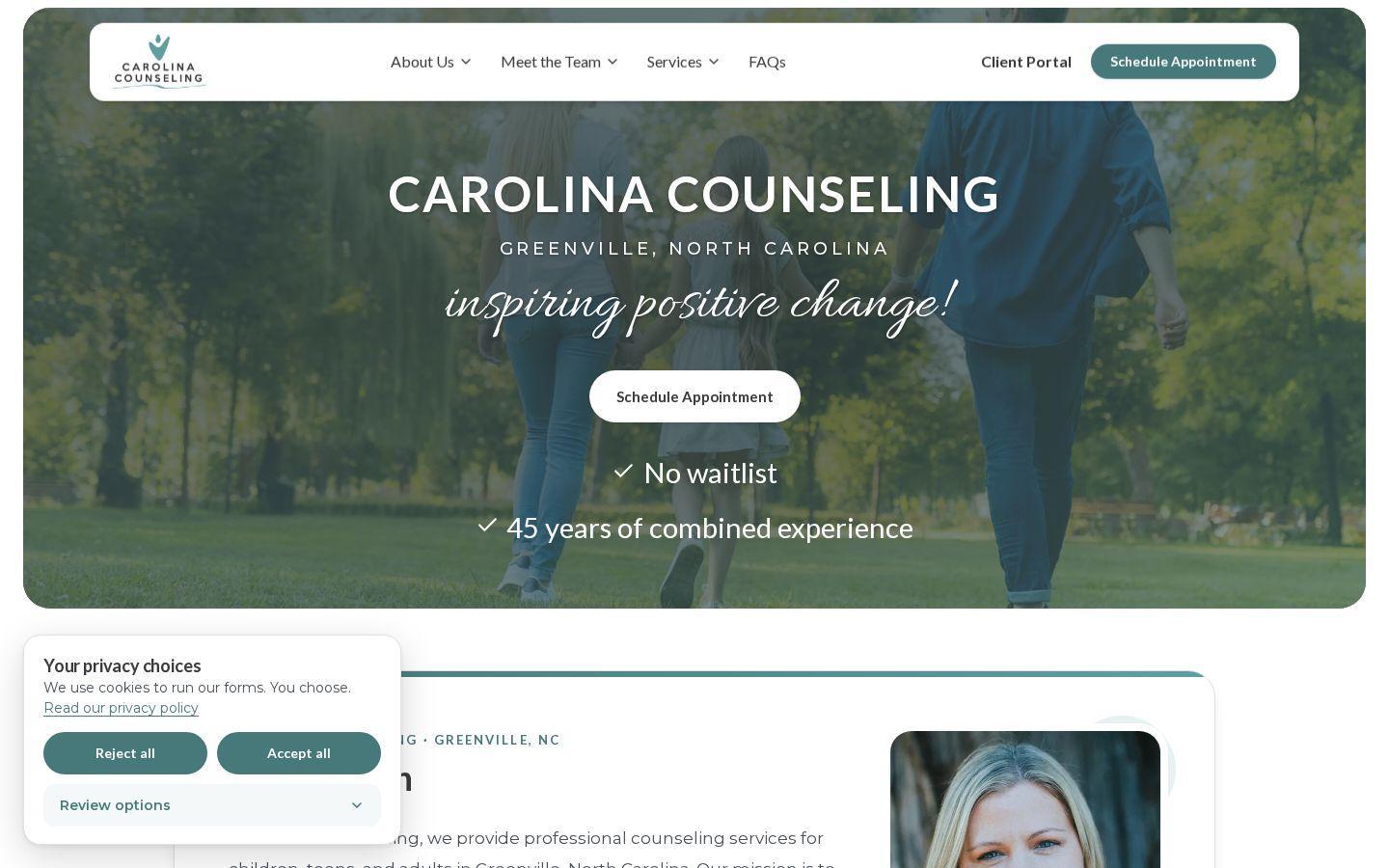
A Greenville, North Carolina practice site, rebuilt so a new client can find a therapist, see insurance, and ask for an appointment.
Rebuilt from
WordPress
The previous practice site
Launched in
Under 22 days
From the old site to the new one
Page Speed
The 69 is the PageSpeed Insights mobile Performance score for the previous site, reported November 12, 2026, at 10:57:10 AM. An after score will be added after launch. This section shows that Performance score only.
Previous site
69
Mobile Performance
November 12, 2026, 10:57:10 AM
After launch
After score added after launch
Mobile Performance
This card is reserved for the mobile Performance score of the launched site.
Before & After
Drag each slider. The left side is the old site. The right side is the new one.
The problem
New clients had to leave the website and go into the practice’s EHR just to ask for an appointment.
What changed
Built into TheraSaaSAppointment requests stay on the site and flow into TheraSaaS, so each new client lands in one pipeline.
In these pictures, the schedule page still says the appointment form is coming soon.
The problem
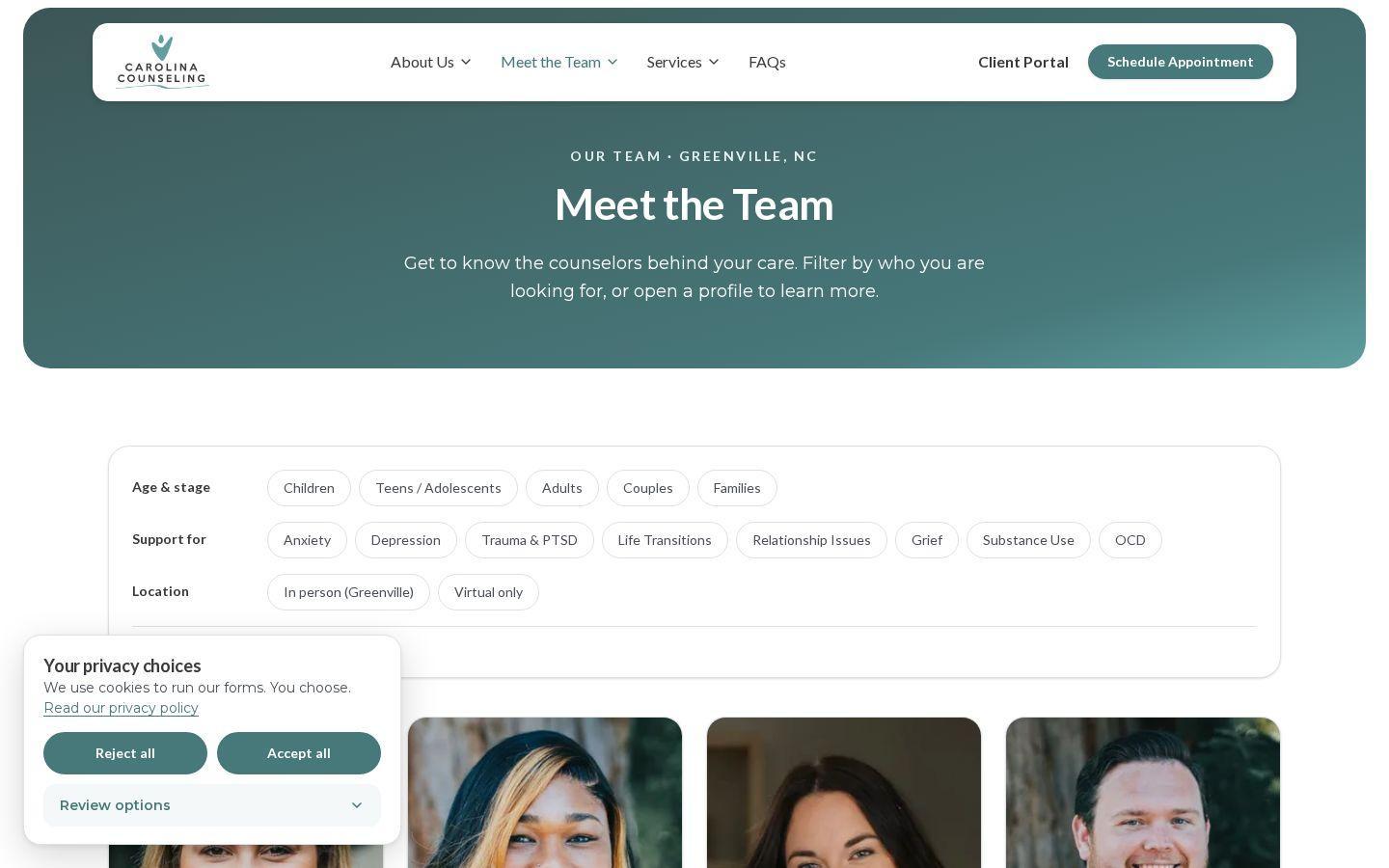
It was hard to tell who might be a fit. The old page was a banner, and you opened people one by one.
What changed
Filters narrow the team by age, concern, and in person or virtual. Each card opens a profile, and Schedule Appointment stays in the header.
Jessica Lillistolen’s profile keeps the address the old site used for Jessie Hartley. Crystal Garman is the practice owner and is not accepting new clients.
The problem
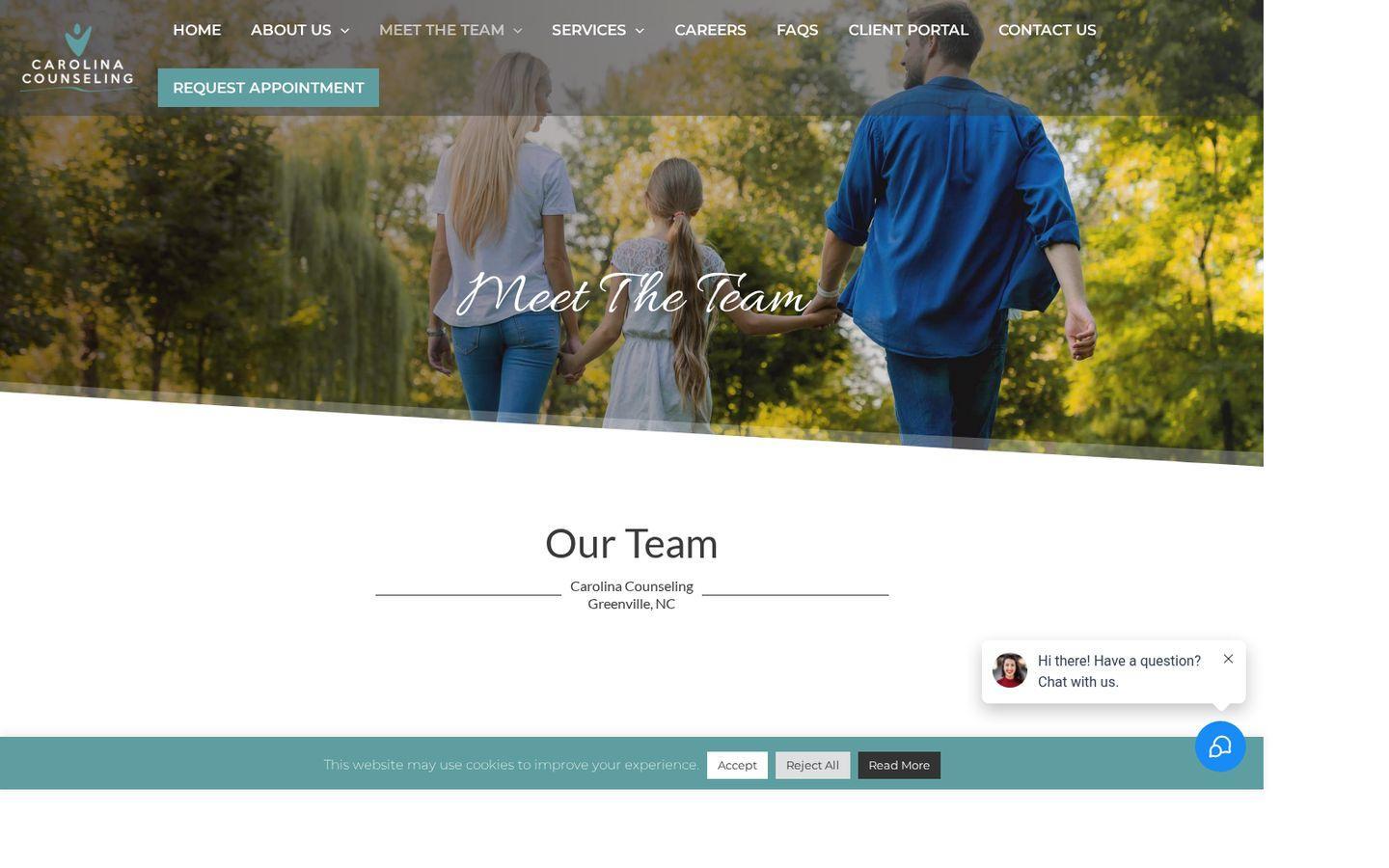
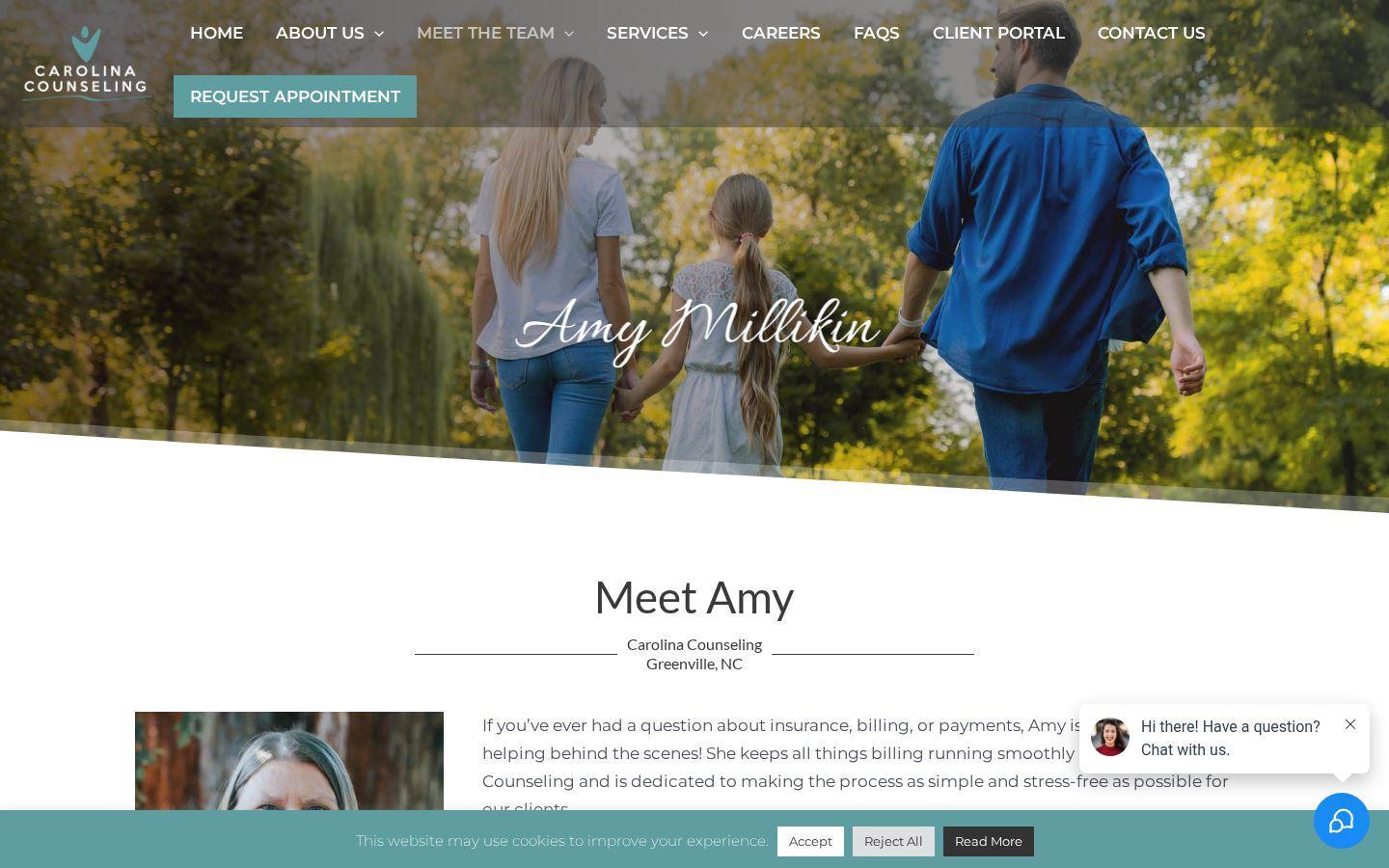
Amy’s card opened a photo file, so there was no profile to read.
What changed
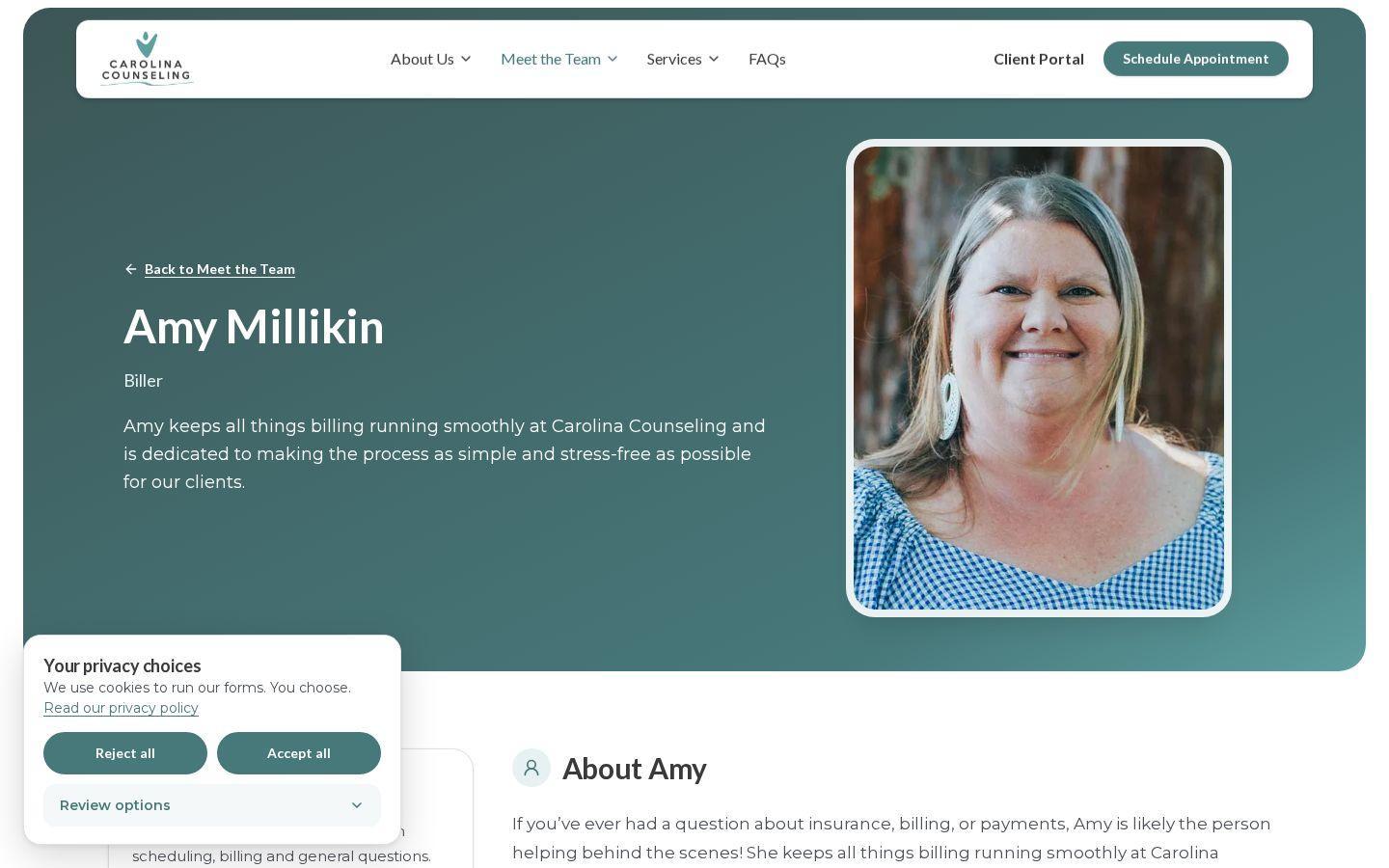
Her page shows her photo, the role Biller, and a short bio. Schedule Appointment stays in the header.
The problem
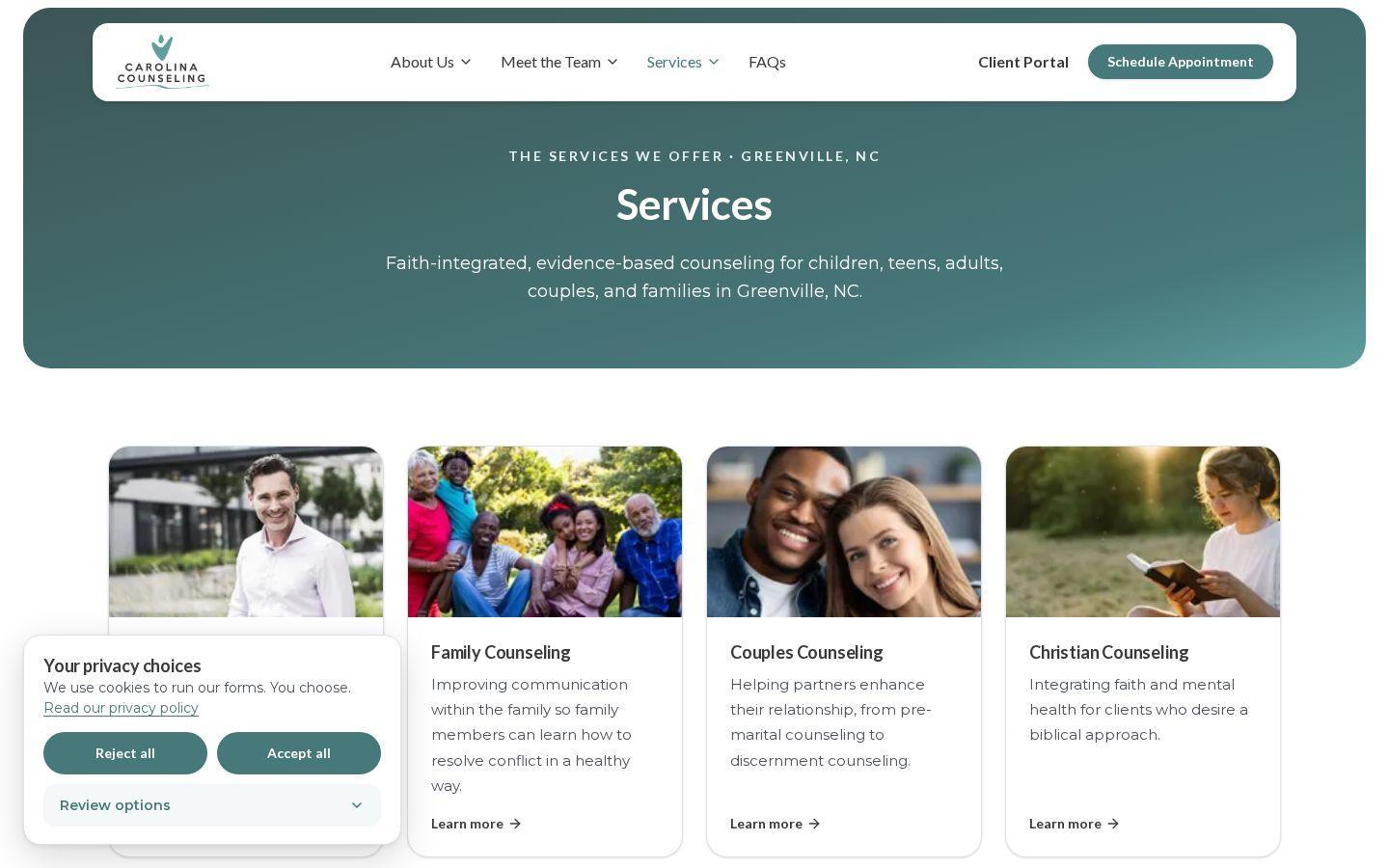
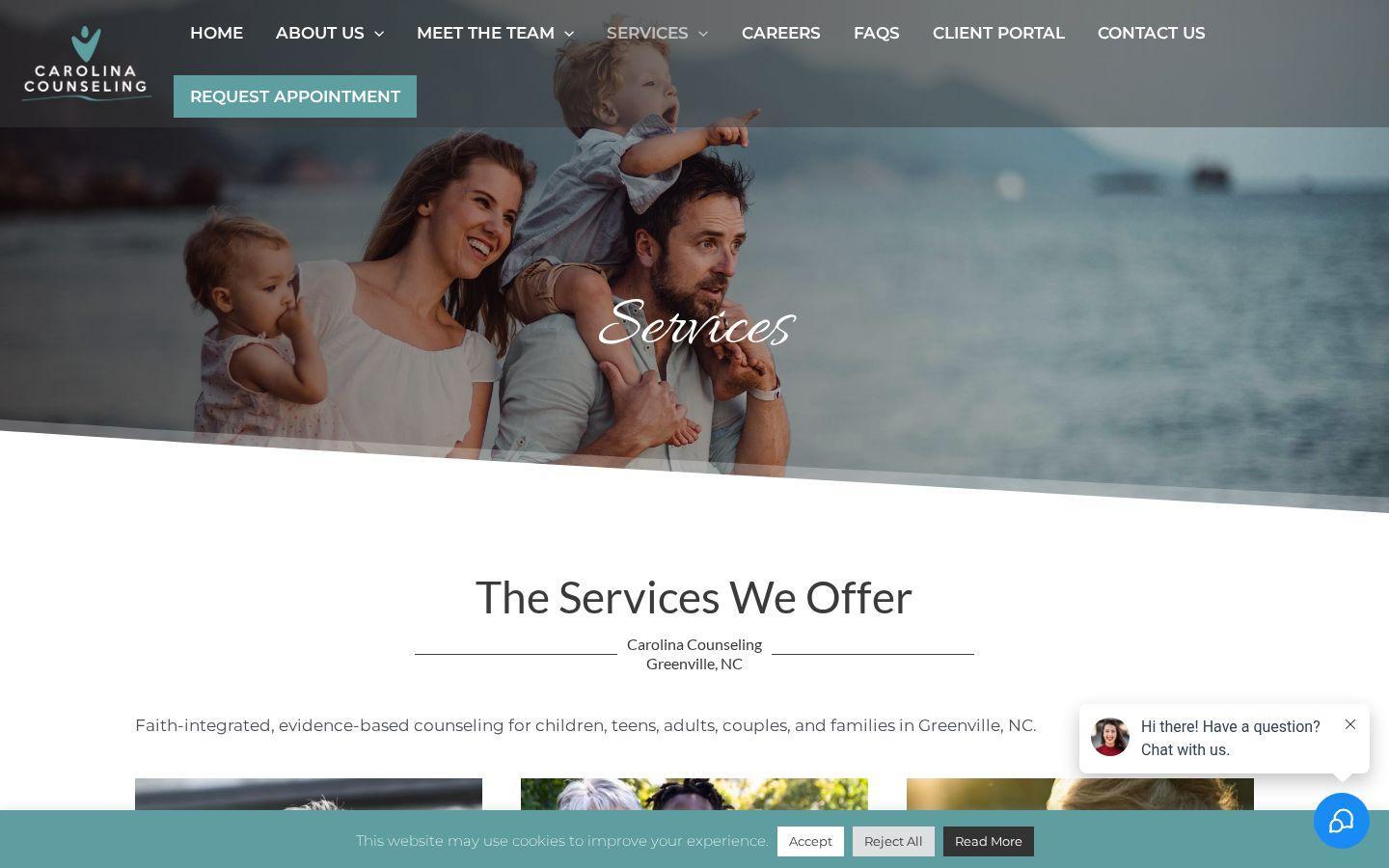
The Children & Teens link dead-ended. EMDR and Triple P no longer have their own pages, and those addresses now go to Services.
What changed
One services page, with a card for each kind of care a client can open.
The problem
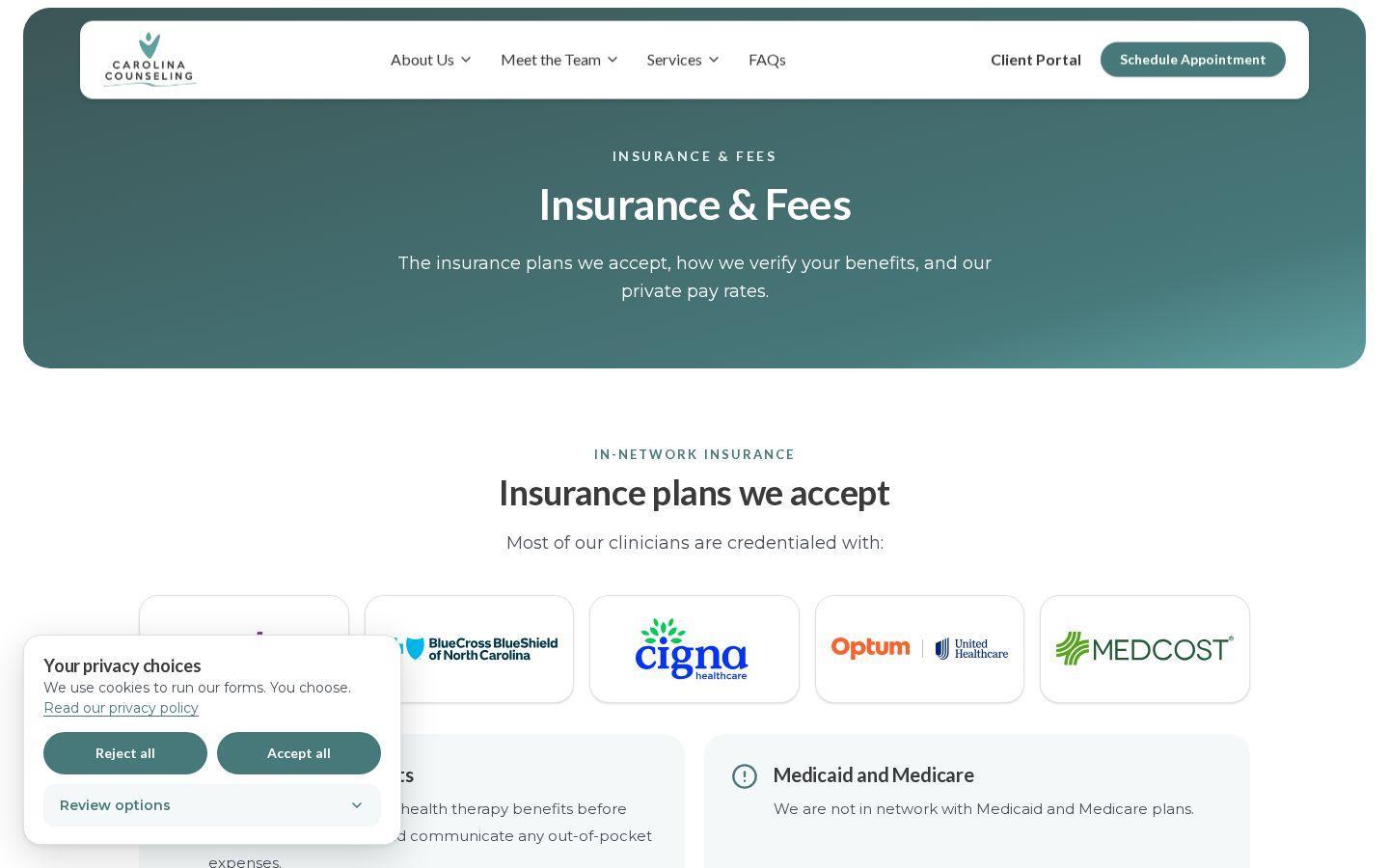
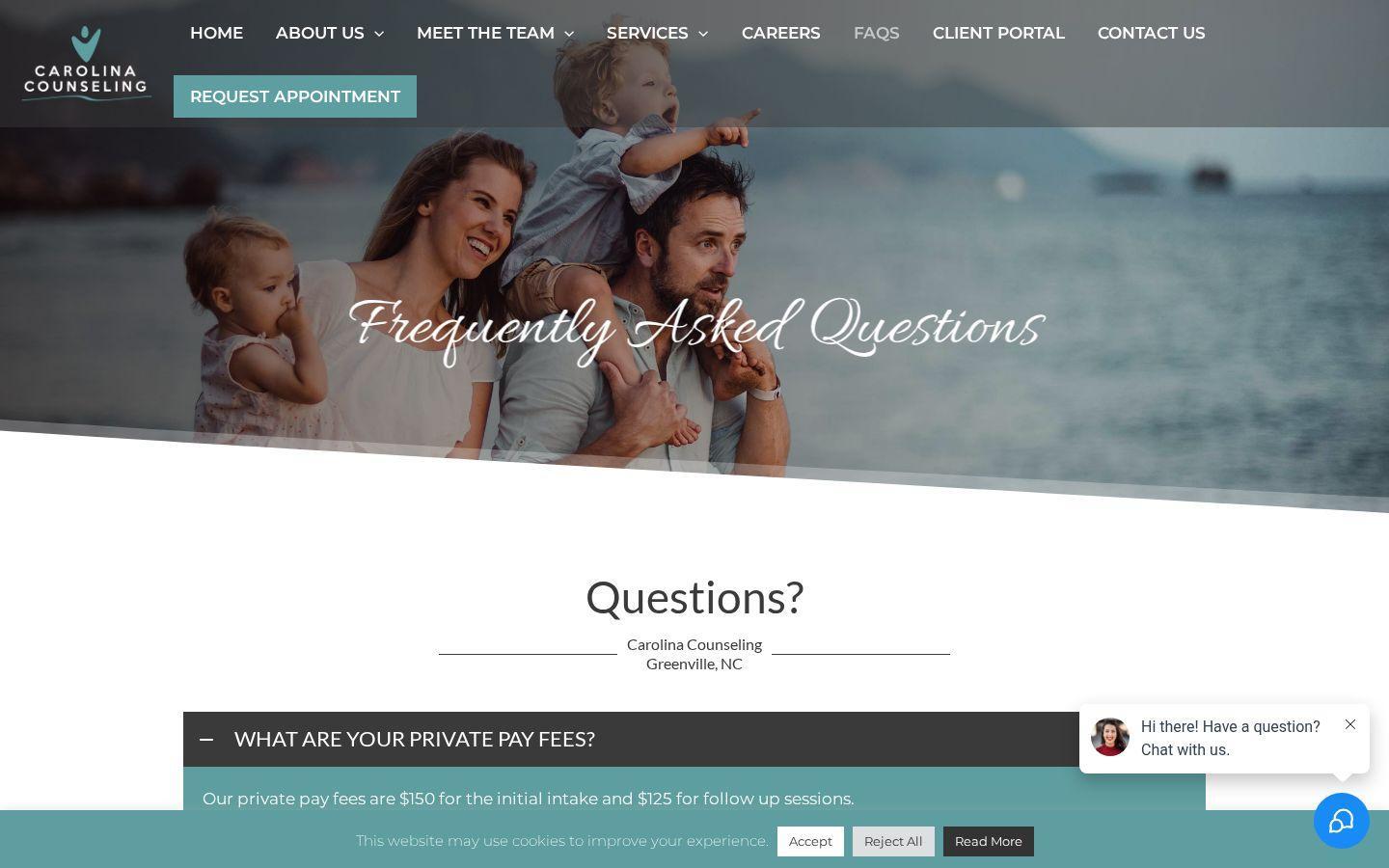
Fees were buried in a FAQ, and the plans were not on a page of their own.
What changed
Insurance & Fees names the in-network plans up front, and says the practice is not in network with Medicaid or Medicare.
The left side is the old FAQ, opened on the private-pay fee answer. The right side is the new Insurance & Fees page.
Privacy Built In
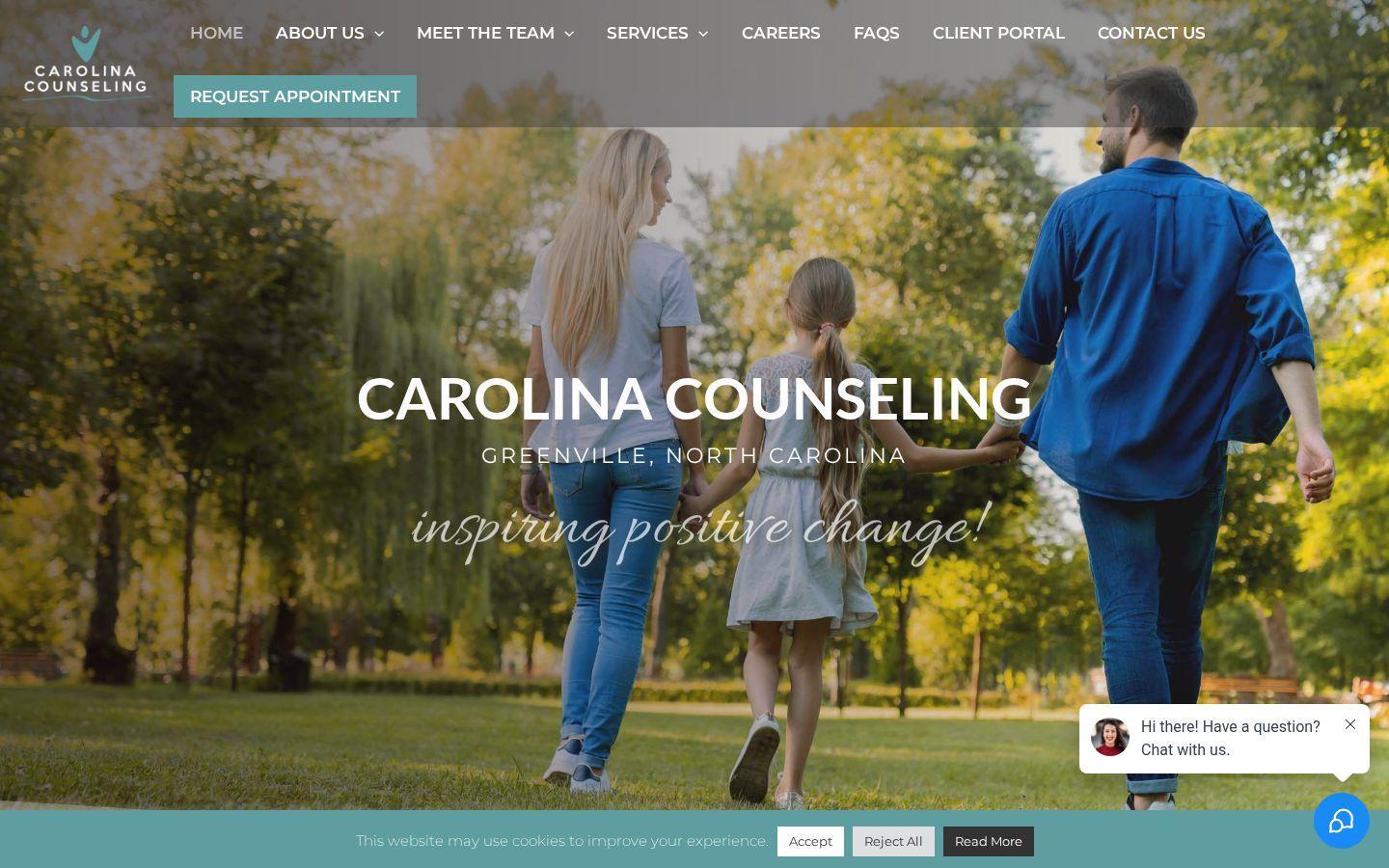
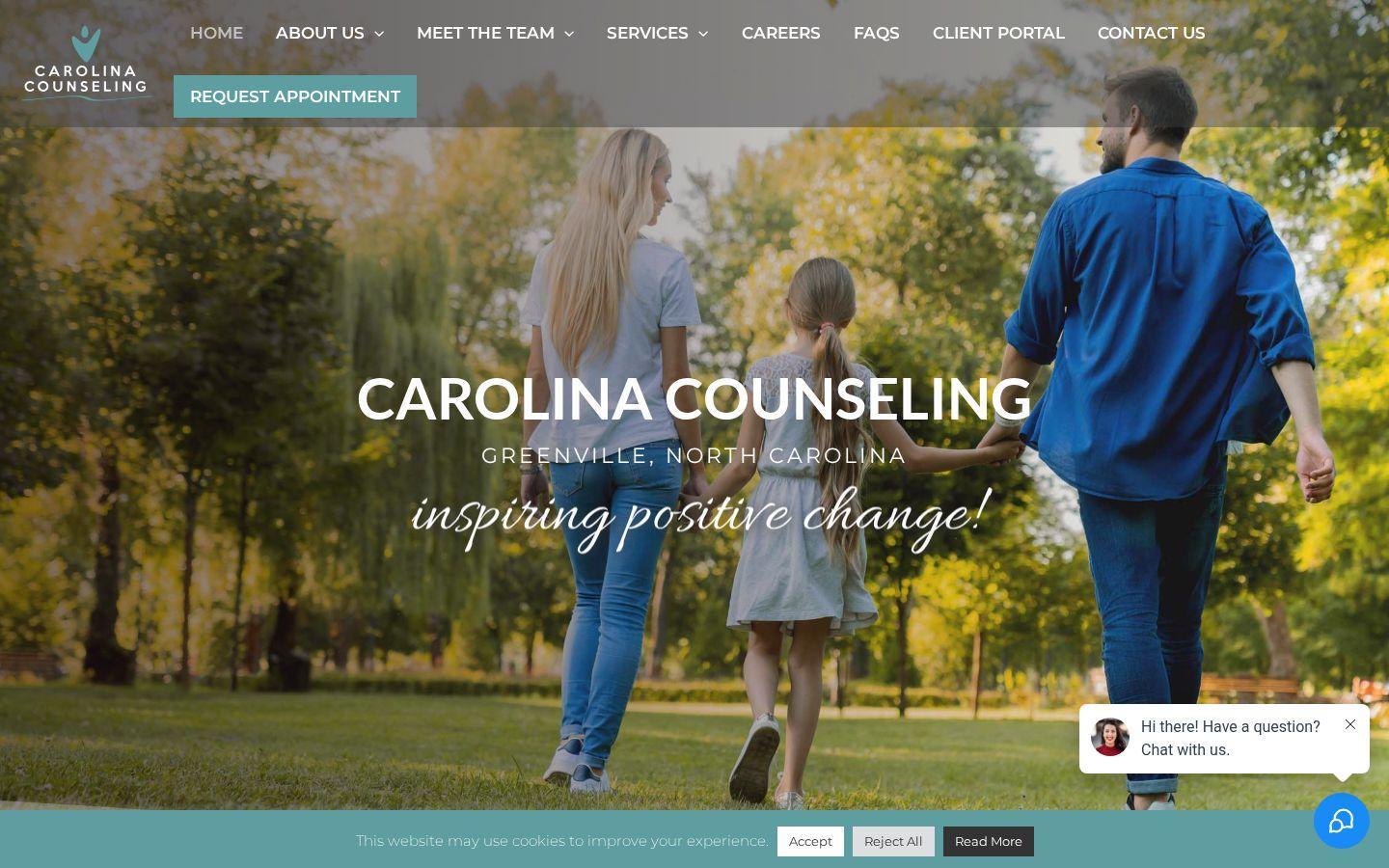
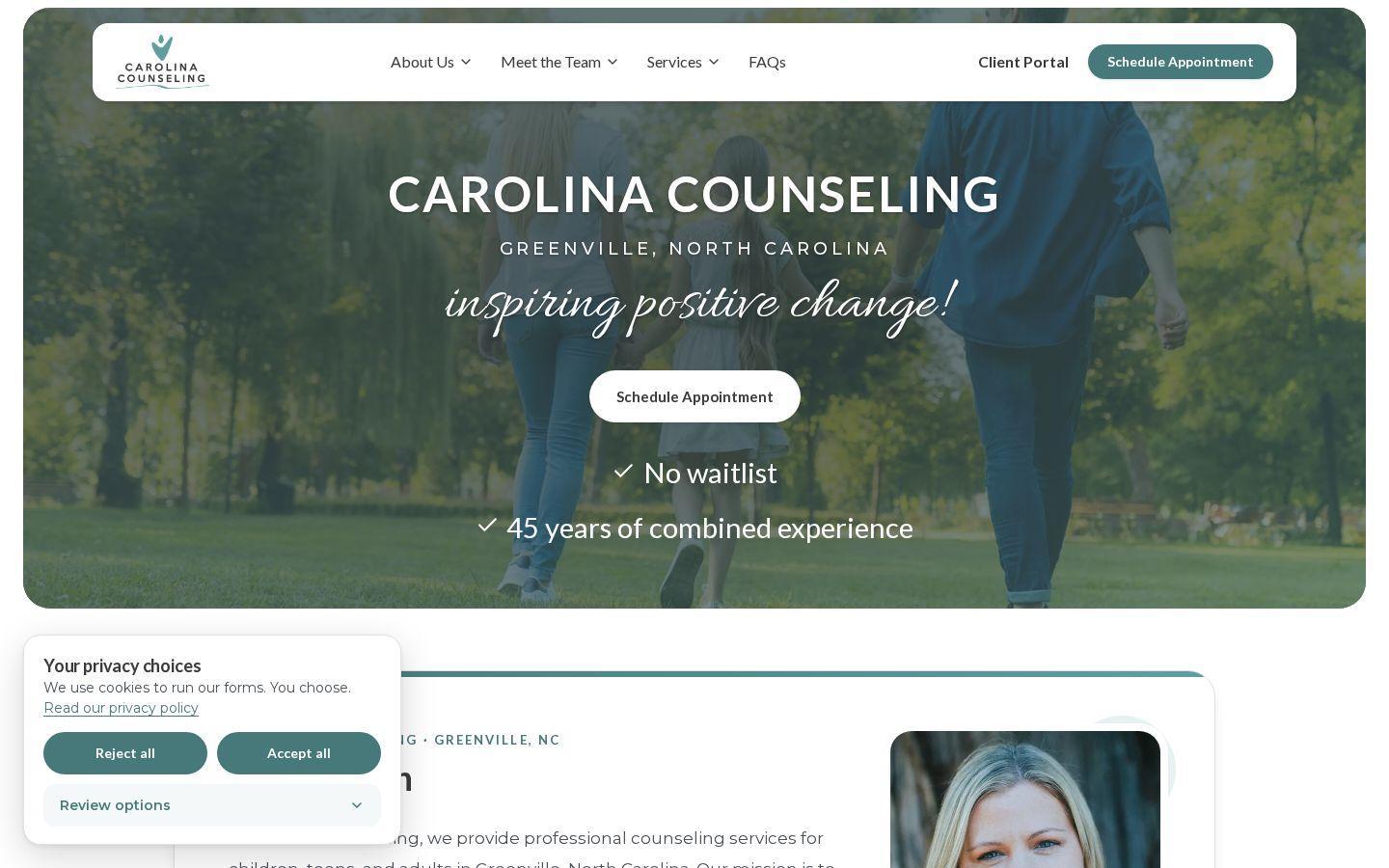
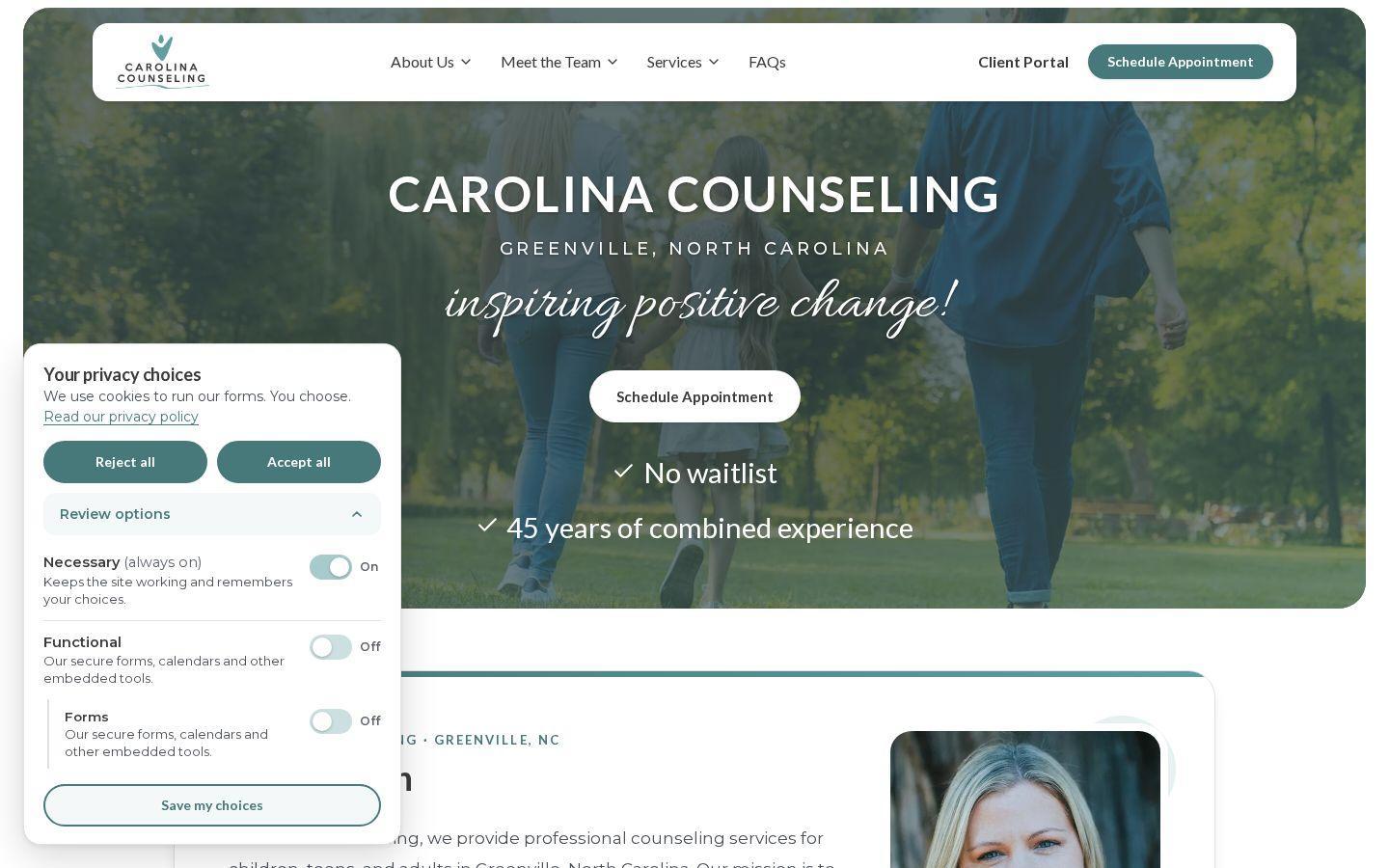
The old banner had Accept, Reject All, and Read More. The new one offers Reject all, Accept all, and Review options, and the privacy policy is the practice’s own.
1. The previous banner
2. The new banner, before a visitor chooses
3. Review options
The old link did not open the practice’s privacy policy.
Reject all, Accept all, and Review options. Cookie preferences in the footer reopens that choice.
The old policy was the default WordPress comments text. The new one is written for this practice.
This is not legal advice, and it is not a claim that any website is compliant. The screenshots show the banner and the options panel. On the version shown, the policy’s effective date still reads “the day this update goes live.” Read our guide to website tracking lawsuits and consent and talk with a licensed attorney about your situation.
The Outcome
New client inquiries go into one TheraSaaS pipeline, instead of out to the old EHR. Scheduling, the team, insurance, and a real privacy choice. The mobile Performance score on the previous site was 69. An after score will be added after launch.
Schedule Appointment stays on the site and is built to feed one TheraSaaS pipeline.
Filters, profile cards, and Amy Millikin’s page all open the right place.
Insurance and fees have their own page. Reject all sits beside Accept all.
The Rebuild
Premium Website Build
TheraSaaS Premium turns your website into a professional, connected part of your client acquisition system.